top of page


Quick Start Guide
Follow these steps to get your device up and running in minutes!
.png)
Register Your Device

Tap the QR scanner icon in the
top-left of the home screen

Scan the QR code on the back of your Sense device
Name your device & return to the home screen

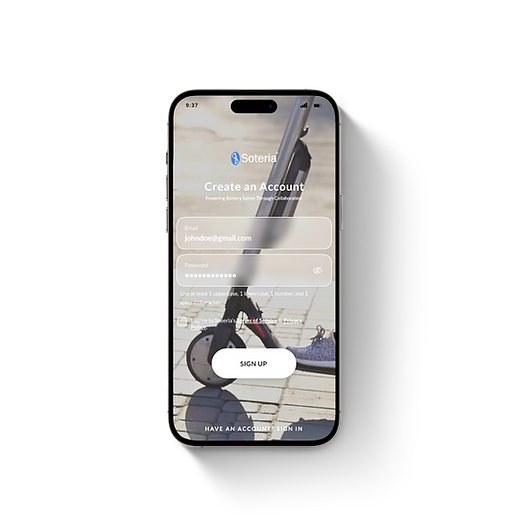
Create An Account
Download the Soteria Sense app from the App Store or Google Play
Enter your email & create a password for your account
Connect to WiFi
Tap the Wi-Fi icon in the top-left of the home screen, then tap Add
Press and hold the button on your Sense. At 5 seconds you hear a noise. Keep holding until you hear a second noise.
In the app, tap “Connect to Sensor
Wi-Fi,” then press Join.
bottom of page